
Every marketer knows the stock footage hunt: endless scrolling for a clip that’s almost right, then a license that rarely stops competitors from using the same clip. Text-to-video AI offers a different route. Instead of searching, you describe the exact scene and generate it. This guide compares both options on fit, flexibility, and speed, and shows how a free text to video generator can help you build custom visuals for campaigns.
What Is the Difference Between Text-to-Video AI and Stock Footage?
Stock libraries give you existing clips to search and license. Text-to-video AI creates a new clip from your written description. That one difference shapes everything else.
|
Factor |
Traditional stock library |
Text-to-video AI |
|
Starting point |
Search existing clips |
Describe the scene you want |
|
Brand fit |
You adapt your message to the clip |
The clip is built around your brief |
|
Exclusivity |
Licenses are usually non-exclusive |
Generated from your own prompt |
|
Format |
Fixed length and framing |
Choose duration and aspect ratio |
|
Audio |
Usually added separately |
Sound effects, voiceover, and music can be added in the same workflow |
|
Best for |
Generic, real-world establishing shots |
Campaign-specific and concept-driven scenes |
Fixed length is the part that catches most people out. When a 6-second stock clip has to cover a 10-second slot, you can extend a short clip with an AI video extender instead of starting the search over. Still, if you find yourself stretching and cropping clips often, it may be a sign that the shot should be generated to your brief in the first place.
When Does Text-to-Video AI Beat Stock Footage for Marketers?
It wins whenever the shot you need doesn’t exist yet, or you need many versions of it. Four situations come up most often:
How Do You Turn a Stock Search Into a Text-to-Video Prompt?
Replace the generic search phrase with a specific subject, action, setting, camera move, and mood. The table shows how a typical search becomes a prompt:
|
Stock search |
Text-to-video prompt |
|
“woman drinking coffee” |
“A woman in a sunlit kitchen lifts a ceramic mug of cold brew, slow push-in, warm morning light, relaxed mood” |
|
“running shoes outdoors” |
“Close-up of white running shoes hitting wet pavement at sunrise, low tracking shot, shallow depth of field” |
The prompt carries your brief. You decide the setting, the lighting, and the feeling, so the footage looks like it belongs to your brand.
How Do You Build Custom Visuals in Pollo AI?
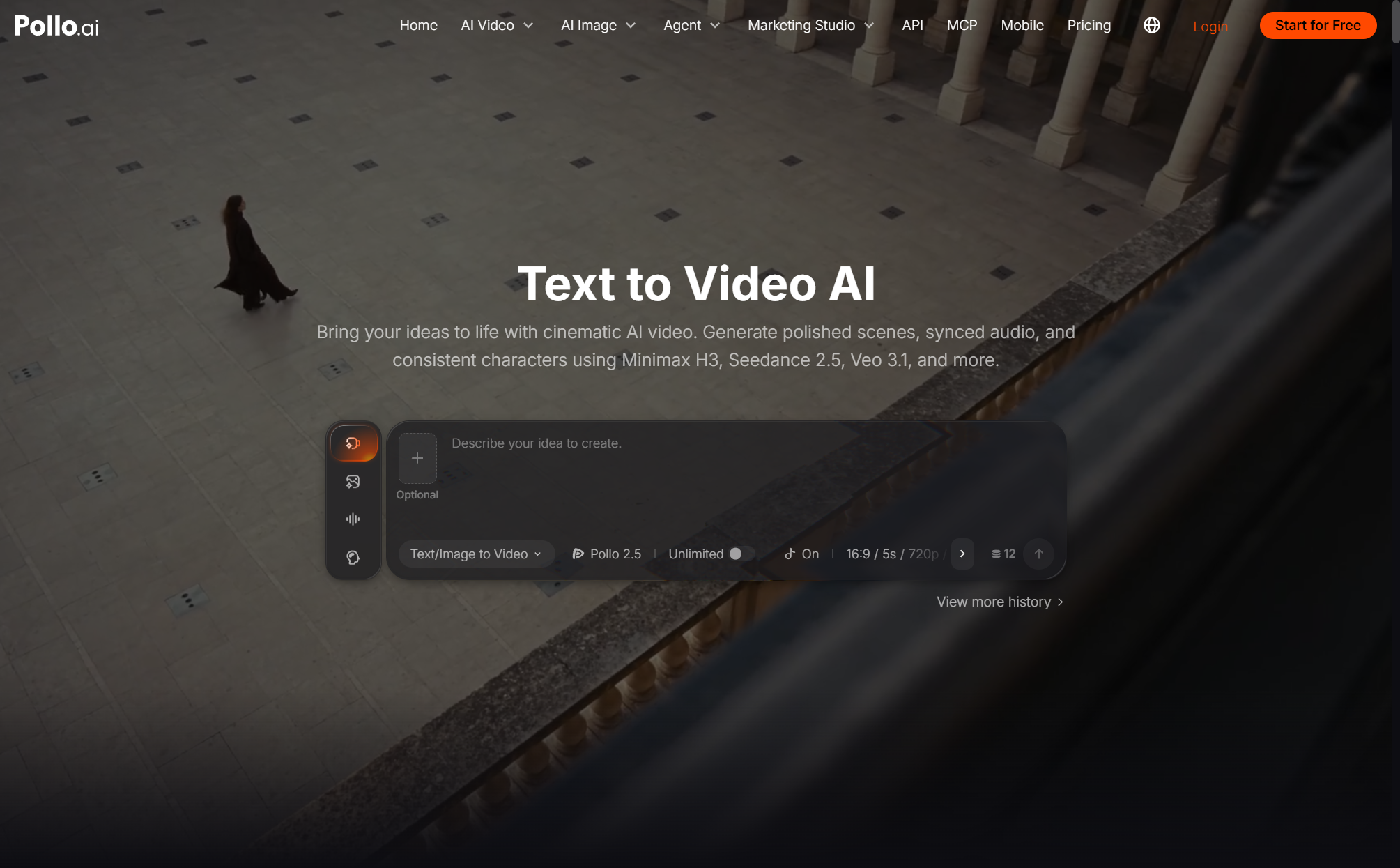
Enter a prompt, generate, and share. Pollo AI also lets you try different video models for the same prompt, so you can match the look and motion to what the campaign needs.
Several capabilities suit marketing work:
How Can You Combine Both in One Workflow?
Use stock for what is real and AI for what is specific. A hybrid workflow keeps production moving:
- Real-world establishing shots: keep licensed footage for recognizable locations.
- Campaign scenes: generate product moments and concept visuals from prompts.
- Social cutdowns: generate short versions in the aspect ratio each platform needs.
- Testing: generate a few variants first, then put more production time into the ones that perform.
Ready to Replace the Stock Footage Hunt?
You don’t need a bigger library to get better visuals. You need a faster way to turn a brief into footage that fits it. Pollo AI has a free tier with 20 credits, enough for about four 5-second clips on Pollo 2.5, so you can try your first custom scene before paying. Pick one visual you would normally search for, write it as a prompt, and generate it.