
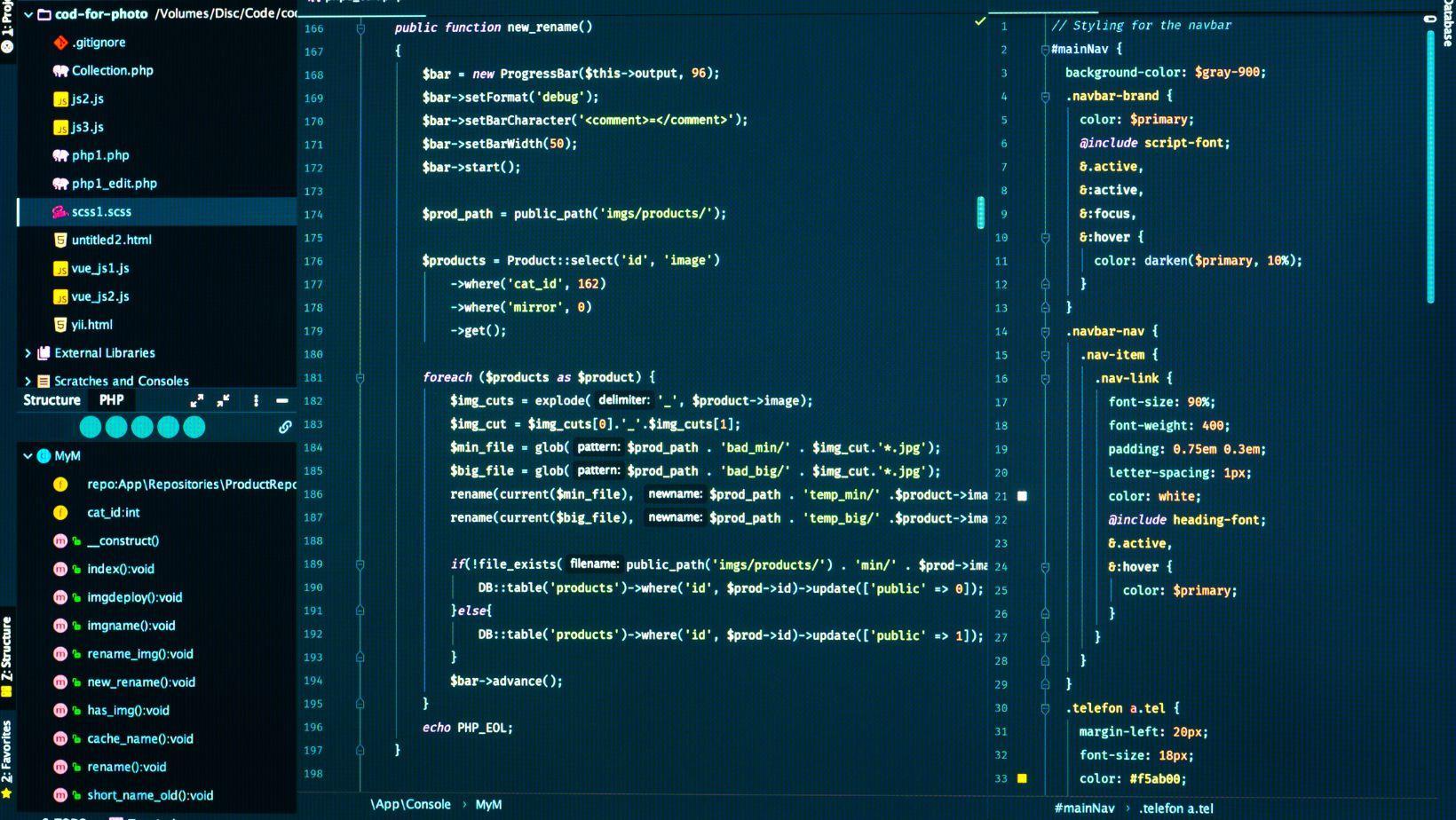
Cursor is an AI-powered code editor based on the familiar workflow of modern development environments. It can open repositories, manage files, run terminal commands, and support extensions, but its main distinction is the integration of artificial intelligence into code completion, editing, debugging, and project analysis. When comparing cursor pricing, developers should consider not only the subscription fee but also included model usage, request limits, team features, and possible charges for additional usage. Cursor currently offers a free Hobby tier, paid individual plans, and business options for teams.
Traditional Editors and Cursor
Traditional editors such as Visual Studio Code provide a flexible foundation for writing and managing code. Developers can install extensions for language support, debugging, formatting, version control, and AI assistance. The editor generally executes the instructions given by the user and does not attempt to redesign or modify a project independently.
Cursor keeps many familiar editor functions but adds AI features as a central part of the workflow. Its Tab Completion can suggest code based on recent edits, surrounding code, and linter feedback. Instead of writing every line manually, developers can review and accept suggestions as they work.
This approach is especially useful for repetitive code, predictable patterns, boilerplate, and small transformations. It can reduce typing, but the generated suggestion still needs to be reviewed for correctness and compatibility with the rest of the project.
Codebase Context
The main advantage of an AI-native editor is its ability to work with more than the currently open file. Cursor can analyze parts of a repository and use relevant files as context when answering questions or proposing changes.
A developer can ask the editor to explain how authentication works, locate a function responsible for a specific behavior, identify related configuration files, or describe the relationship between modules. This is different from a basic autocomplete tool, which generally predicts the next fragment of code without understanding the broader architecture.
However, context is not the same as comprehension. AI-generated explanations can omit dependencies, misunderstand custom conventions, or rely on outdated documentation. Developers should verify important conclusions by inspecting the source code and testing the result.
Agent-Based Development
Cursor’s Agent can perform more complex tasks than ordinary inline completion. It can research a codebase, modify several files, run terminal commands, and help implement a feature.
As AI agents become capable of handling increasingly complex tasks, professionals can benefit from learning how these systems plan actions and manage multi-step workflows. An AI agents course can help learners understand agentic AI concepts, autonomous decision-making, and practical applications of intelligent agents across different industries.
This makes Cursor useful for tasks such as:
- Creating a first version of a feature.
- Refactoring repeated code.
- Updating imports across multiple files.
- Writing tests for existing functions.
- Diagnosing build or lint errors.
- Explaining unfamiliar parts of a repository.
The best workflow is to divide a large request into smaller stages. Before allowing extensive changes, the developer should request a plan, review the files that will be affected, and define acceptance criteria. Cursor’s Plan Mode is designed to help analyze a task and propose an approach before implementation begins.
Cursor Compared With VS Code
Cursor is more attractive to developers who want AI assistance deeply integrated into editing and repository workflows. VS Code may be preferable to users who want a highly modular editor, a familiar extension ecosystem, or a workflow in which AI remains optional.
The difference is not simply that one editor has AI and the other does not. Both ecosystems can support AI tools, but Cursor places codebase-aware assistance, agent behavior, and natural-language editing closer to the center of the experience.
Pricing and Usage
The free Hobby plan is useful for testing the interface and basic AI capabilities. The Pro plan is listed at $20 per month, while higher individual tiers provide larger usage allowances. Cursor also offers team plans with centralized billing and administrative features.
Developers should examine how much they rely on agent requests and premium models. A low monthly price may be sufficient for autocomplete and occasional questions, while frequent multi-file tasks can consume included usage more quickly. Pricing and model allowances may change, so the official pricing page should be checked before subscribing.
Which Tool Is Better?
Cursor is a strong choice for developers who want natural-language interaction, repository-aware assistance, and agent-based automation inside the editor. A traditional editor may be better for users who prefer maximum manual control, extensive customization, or minimal dependence on AI.
The most reliable approach is to treat Cursor as a development assistant rather than an autonomous authority. It can accelerate implementation and reduce repetitive work, but human review, version control, testing, security checks, and architectural decisions remain essential.